
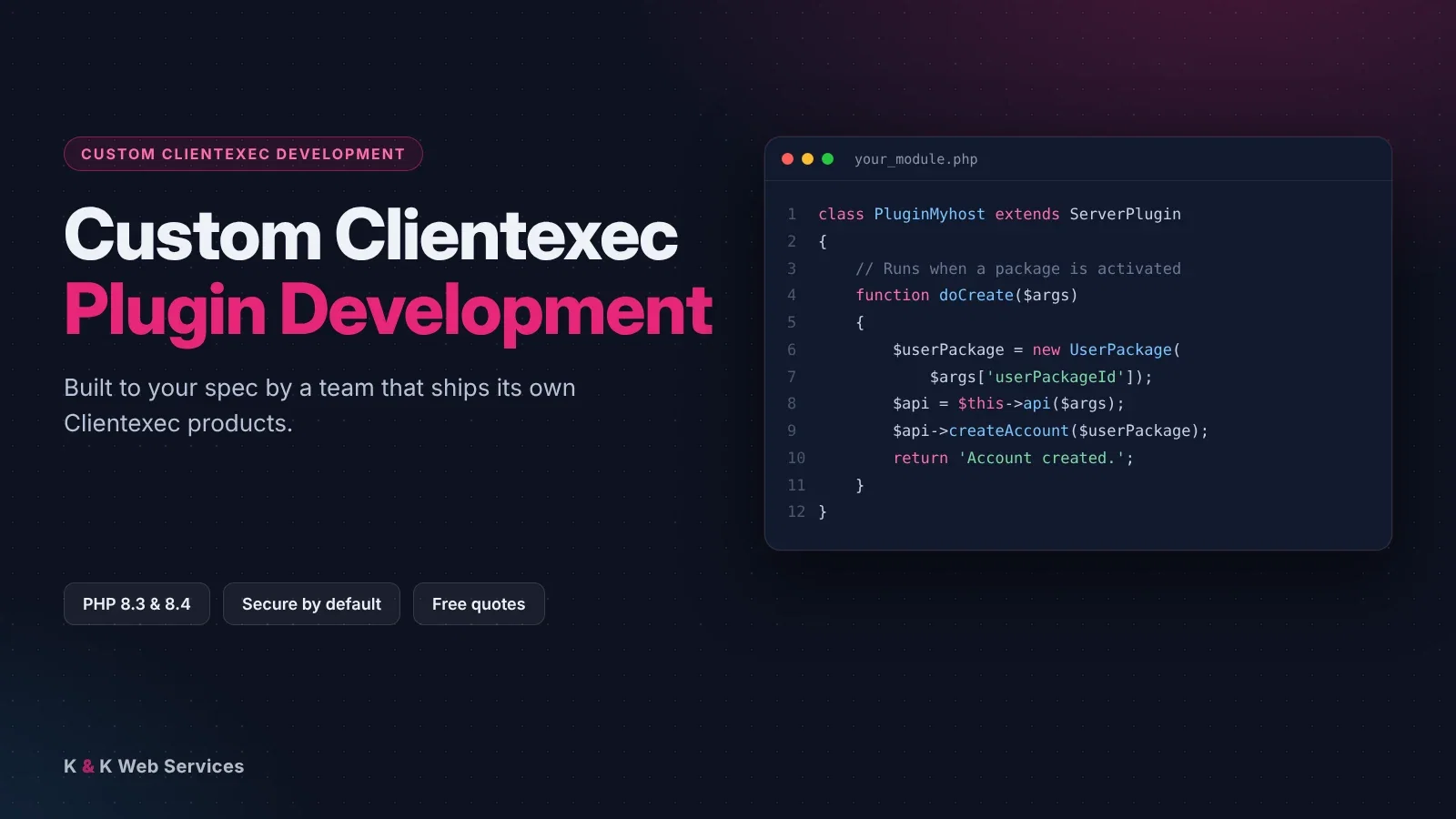
Custom Clientexec Plugin Development
On This Page
- Why Custom Clientexec Plugin Development
- What We Build For Clientexec
- What We’ve Already Built
- How A Project Works
- How We Build It
- Which Clientexec Plugin Type Do You Need?
- Common Clientexec Plugin Development Projects
- What To Send With Your Quote Request
- Moving To Clientexec Without Losing Your Tools
- Support After Launch
- FAQs
Why Custom Clientexec Plugin Development
Clientexec is a solid billing and support system with a loyal user base. It has fewer ready-made plugins than WHMCS, so the feature you need often doesn’t exist yet.
Instead of switching billing systems, you can have it built. With Clientexec plugin development, we write plugins that use Clientexec‘s own plugin system, so they keep working through normal updates.
We’ve run a hosting business since 2005. We build tools the way a host would use them, not just the way a demo looks.
What We Build For Clientexec
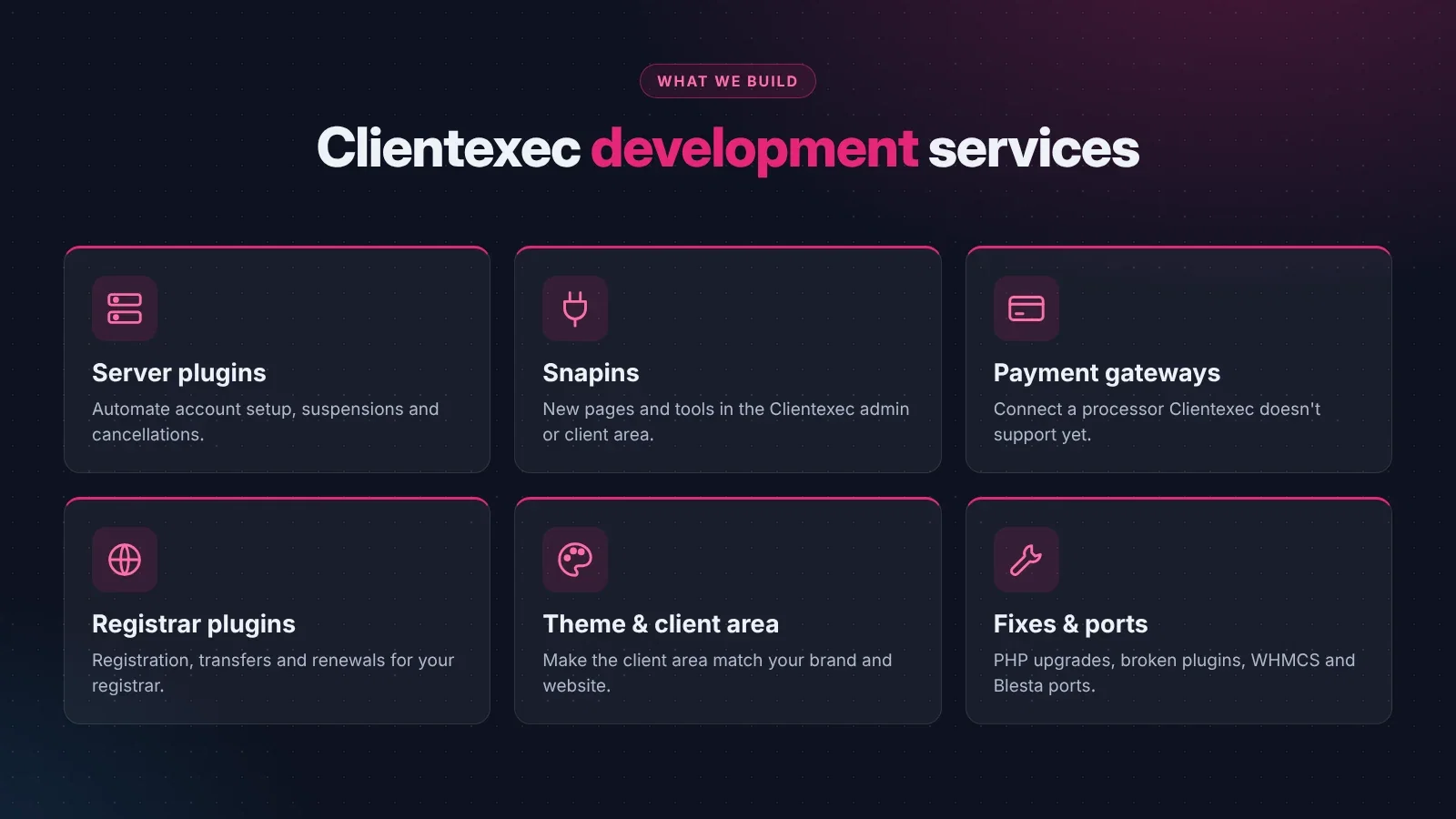
Server Plugins
Snapins & Client Area Tools
Payment Gateways
Registrar Plugins
Client Area Styling
Fixes, Upgrades & Ports
What We’ve Already Built
Our Client Forum for Clientexec adds a support forum inside the Clientexec client area, using the login your customers already have. It’s free to download.
Our Clientexec plugin development work builds on that experience. We also build and sell plugins for Blesta and WHMCS, so if you’re moving between billing systems we can bring your tools with you.
How A Clientexec Plugin Development Project Works
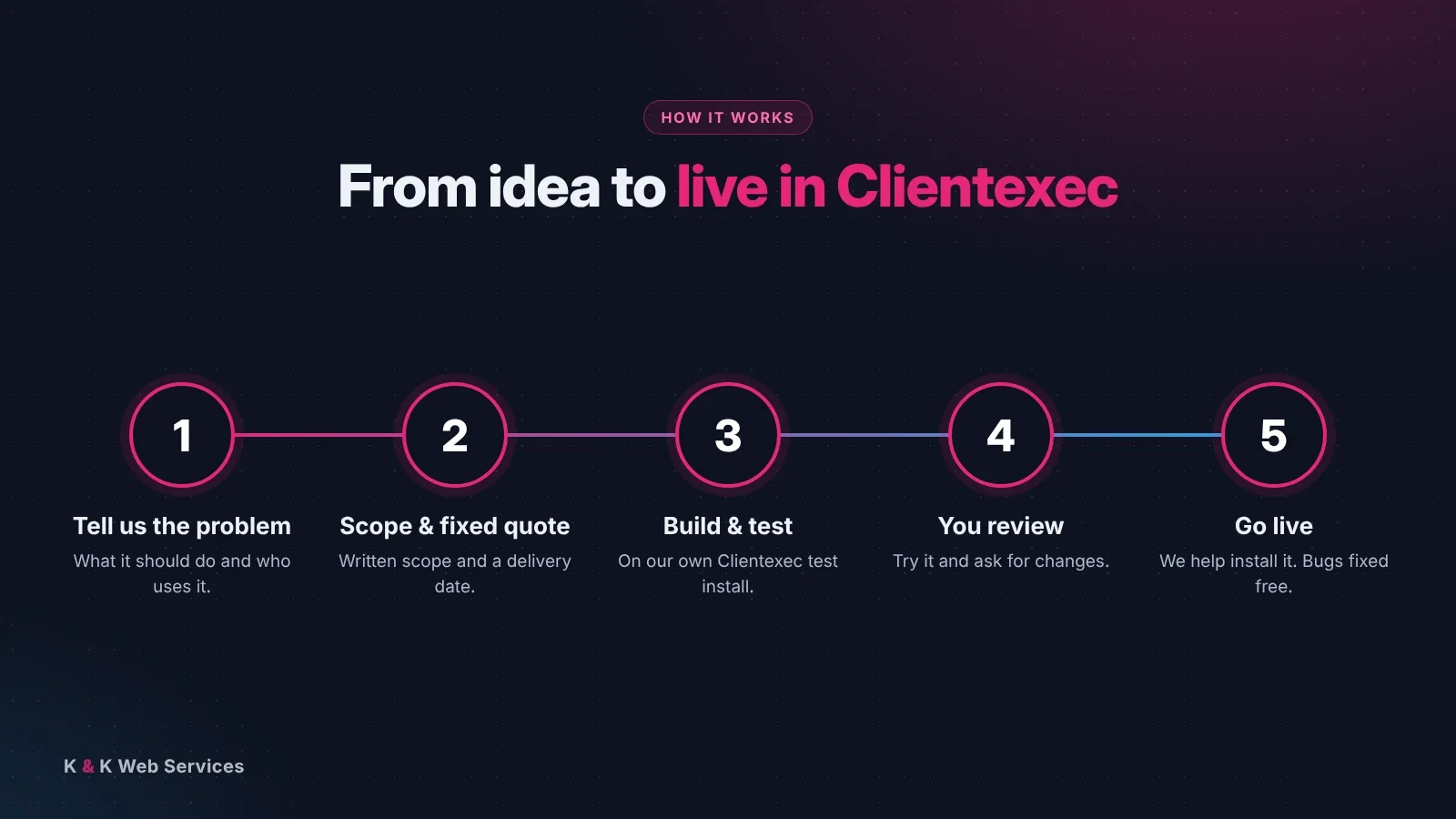
- Tell us the problem. What should happen, who uses it, and what you do today without it.
- We scope it. You get a written scope, a fixed quote and a realistic delivery date before any work starts.
- We build and test it. All work is done and tested on our own Clientexec install, not on your live site.
- You review it. Try it on a test copy and ask for changes.
- Go live. We help you install it, and bugs found after launch are fixed free.
How We Build It
Every Clientexec plugin development project we take on follows the same rules:
- Clientexec’s way. Real Clientexec plugins and snapins using its own plugin system, so normal updates don’t break them.
- Current PHP. Built and tested for current PHP versions.
- Secure by default. Checked input, escaped output, permission checks and safe database queries. Our code is security-monitored.
- Looks like Clientexec. Your new screens use Clientexec’s own styling, so they don’t look bolted on.
- Your code. You get the full source code for work built just for you.
Which Clientexec Plugin Type Do You Need?
Clientexec has several kinds of plugins. Choosing the right one is the first step in any Clientexec plugin development project, because it decides where your code runs and what it can do.
- Server plugins are tied to the packages you sell. They run when an account is created, suspended, unsuspended or cancelled. Pick one when each order needs an account set up somewhere else, like a hosting panel, a VPS or a game server.
- Snapins add new pages and tools to the admin or client area. Pick one when you want a new feature, like a forum, a report or a self-service tool.
- Gateway plugins take payments and mark invoices as paid.
- Registrar plugins handle domain registration, transfers and renewals.
Not sure which one fits? Tell us what you want to happen and we’ll recommend the right type in your quote. Some projects need more than one, like a server plugin plus a snapin for reports.
Common Clientexec Plugin Development Projects
Every host is different, but most requests fall into a few groups.
- A platform Clientexec doesn’t support. A new VPS platform, a game server panel or your own API. A server plugin removes the manual setup after every order.
- A payment method your customers want. A regional payment company, a crypto processor or a better bank transfer flow.
- Missing tools from another billing system. You use Clientexec but miss a feature you had in WHMCS or Blesta. Clientexec plugin development lets you add it without switching.
- A plugin that stopped working. An older plugin that broke after a PHP or Clientexec update.
- Staff tools. Custom reports, alerts to Slack or Discord, or automatic ticket handling.
What To Send With Your Quote Request
You don’t need a technical spec. Plain answers to these questions are enough for an accurate quote:
- What should happen, step by step, from the customer’s point of view?
- Which outside system does it talk to? Send a link to its API documentation if it has one.
- Which Clientexec version and PHP version are you running?
- Who uses it: your staff, your customers, or both?
- Is there a deadline, like a product launch?
If you already have a plugin that needs fixing, send the files too, as long as they aren’t encoded.
Moving To Clientexec Without Losing Your Tools
Many hosts look at Clientexec because of its price and its built-in support desk, then stop because one tool they rely on isn’t available. That’s a common reason people contact us.
Because we build for WHMCS, Blesta and Clientexec, we know how each one handles services, invoices, clients and permissions. That makes moving a feature from one system to another much faster than building it from nothing.
Tell us which tool you need and where it runs today. We’ll tell you how it maps to Clientexec, what changes for your staff and customers, and what it costs, before any work starts.
It works the other way too. If you’re leaving Clientexec, we can help you take your custom plugins with you.
Support After Launch
Good Clientexec plugin development doesn’t stop on launch day. Bugs found after launch are fixed free. When Clientexec or PHP releases a big update, we can check your plugin and update it if anything it relies on has changed.
Need changes later, like a new feature? Just ask. Because we built it, we already know the code, so small changes are quick.
Ready to talk about your Clientexec plugin development project? Send us the details and we’ll get back to you with a free quote.
